|
If you need to reinstall your system, activate Windows, or simply keep a backup of your license, knowing how to retrieve your Windows 11 Home product key is essential. Fortunately, there’s a simple way to do it using PowerShell.
Why Your Product Key Matters Your Windows product key is a unique code that verifies your operating system is genuine. You might need it when:
Follow these steps to quickly retrieve your product key:
Important Notes
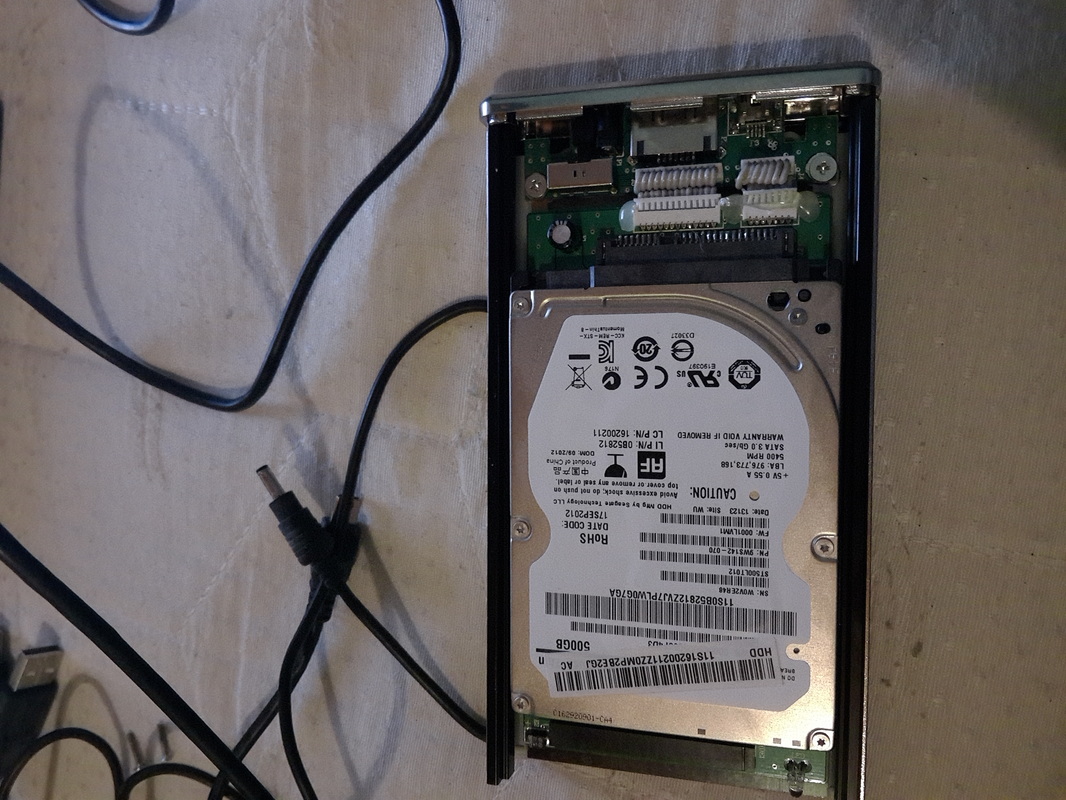
If your key doesn’t show up, your Windows activation is likely tied to your hardware or Microsoft account. You can check activation status by going to: Settings → System → Activation Final Thoughts This is one of the fastest and most reliable ways to retrieve a Windows 11 Home product key without using third-party tools. It’s always a good idea to store your key securely once you find it, just in case you need it later. Πρώτη φορά που μου χρησίμευσε το κουτί σκληρού δίσκου που είχα κερδίσει από το cpusers.gr.
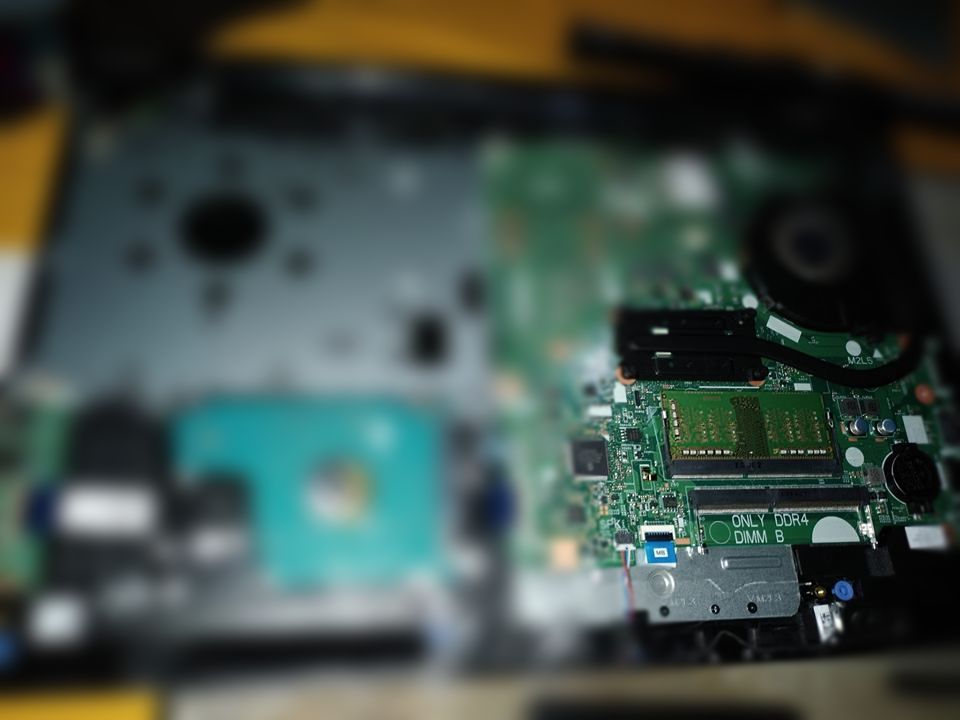
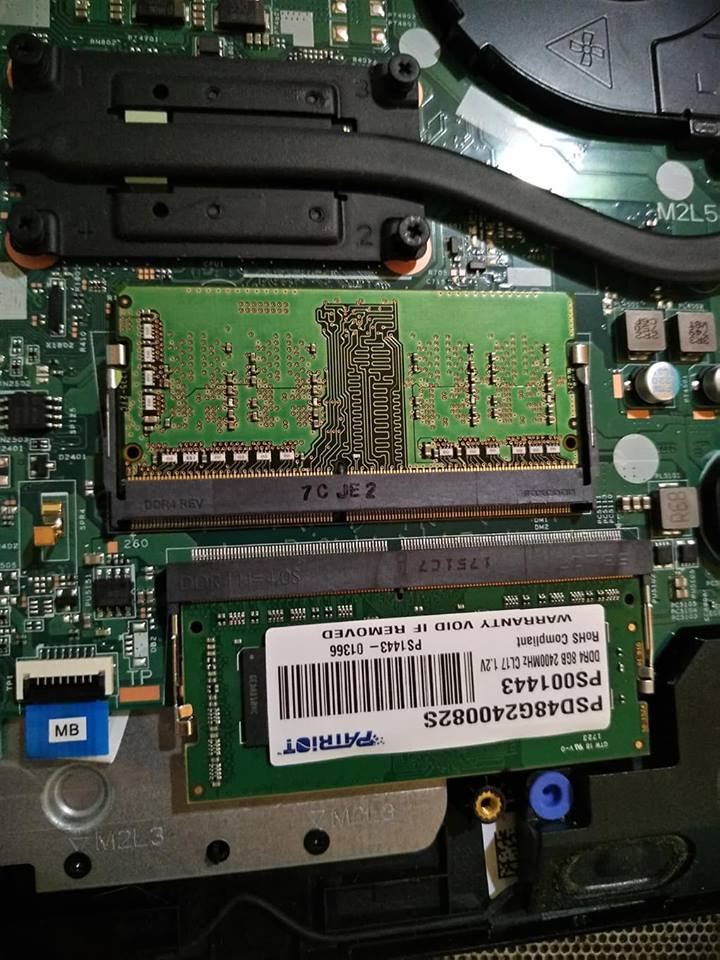
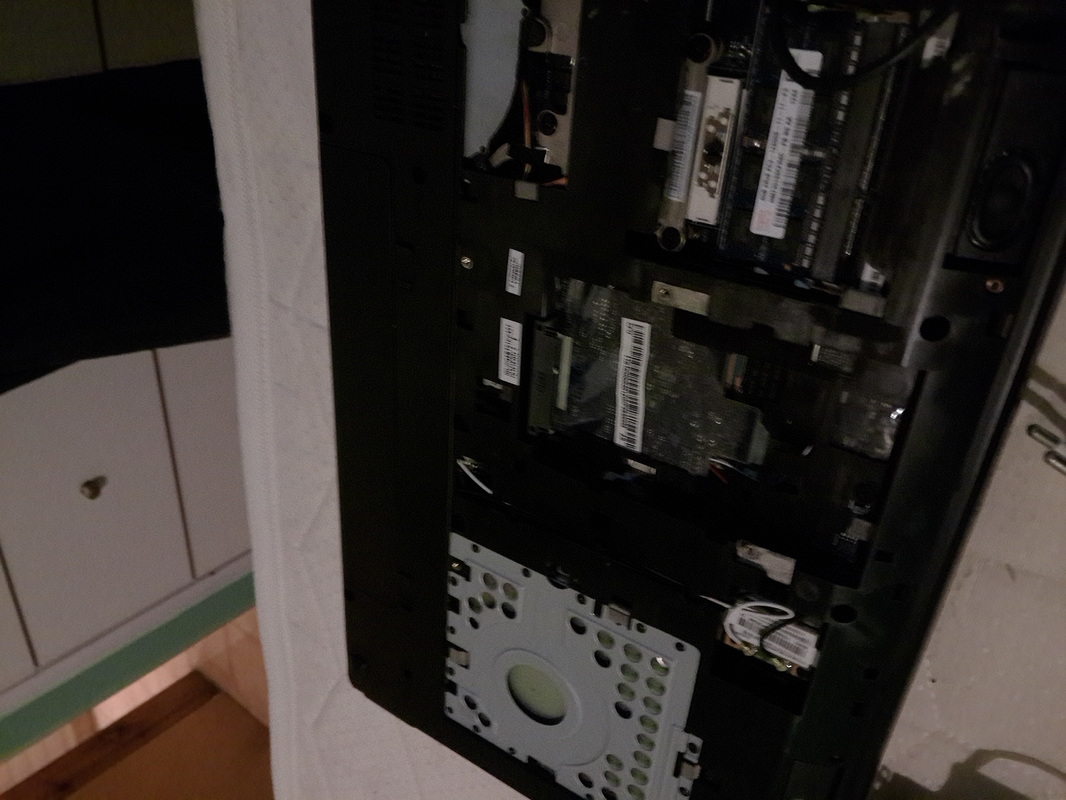
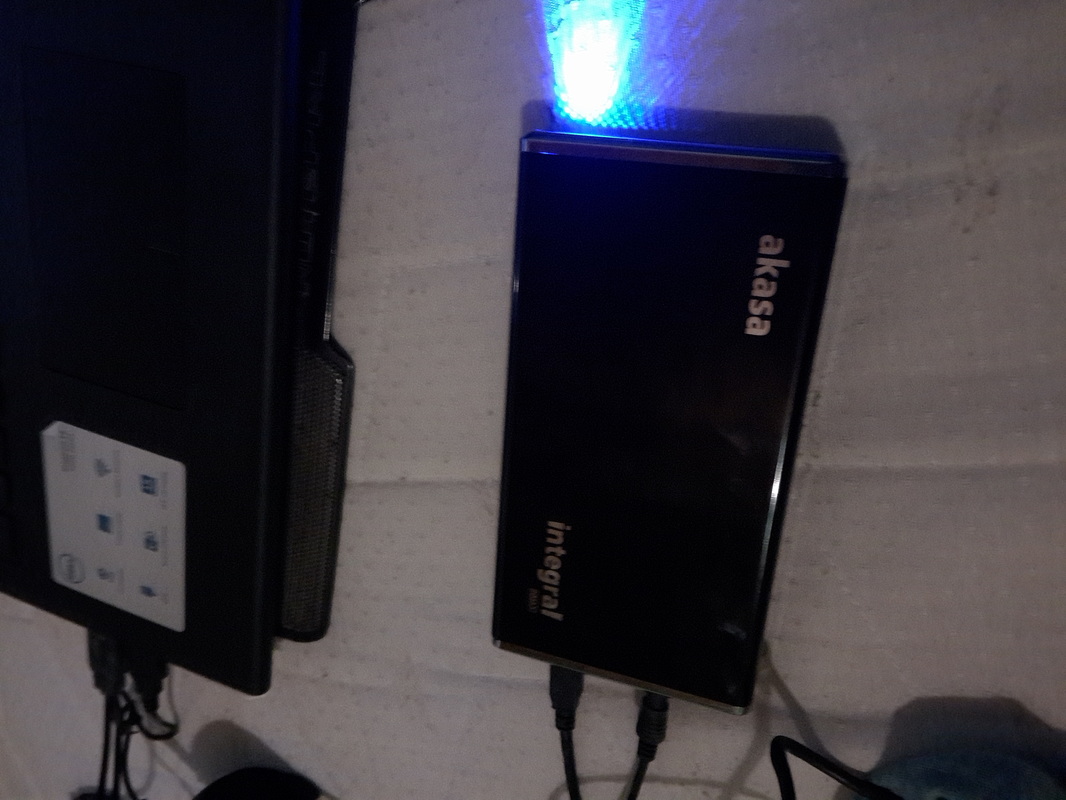
Μέχρι τώρα δεν το είχα χρειαστεί γιατί δεν χρησιμοποιούσα τότε (πριν το 2010) sata σκληρούς δίσκους. Τώρα που τα έπαιξε το laptop μου, το άνοιξα, αφαίρεσα τον δίσκο και τον σύνδεσα στο κουτί όπως βλέπετε παρακάτω στις εικόνες. Και δούλεψε... έτσι έσωσα και όλα τα αρχειάκια μου... Μετά σύνδεσα πάλι τον δίσκο στο laptop και το άφησα εκεί για να υπάρχει ίσως για μελλοντική χρήση. |
AboutVarious topics which don't belong to ecology, cooking, farming. Archives
May 2026
Categories
All
|


RSS Feed
